
Last updated: 24 November 2026
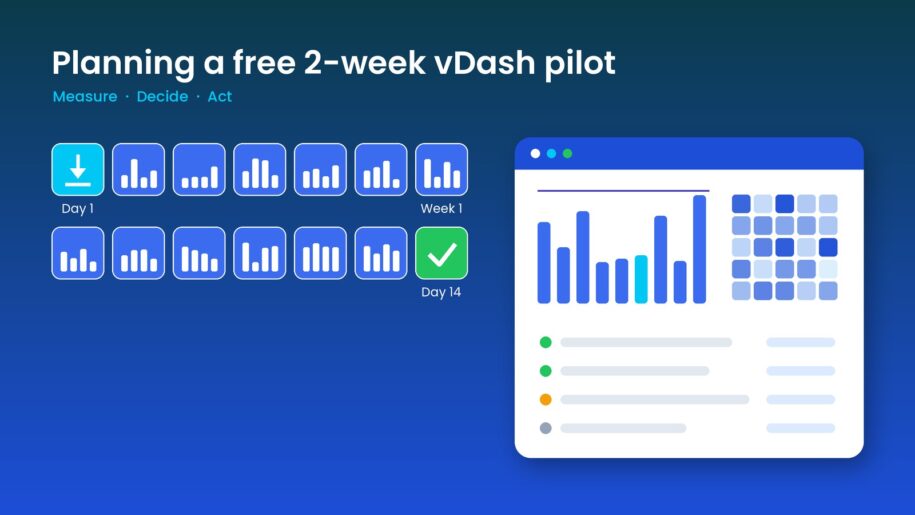
Short answer: a free 2-week CloudDesk vDash pilot runs on your own lab PCs. A lightweight agent on each PC collects usage data, and live data is available by the end of day one. To get real value from those two weeks, decide up front which questions you want answered, which labs to include and who will review the results, then use the last days to turn what vDash shows into decisions.
Why plan a pilot at all?
Two weeks goes quickly in a semester. If a pilot starts without a clear goal, the dashboards fill with data but nobody knows what decision it was meant to support. A short plan keeps the pilot focused on the questions your IT team, lab technicians and management actually care about, such as whether a licence is sized for real demand or which labs sit idle.
vDash is CloudDesk’s AI-enabled lab, licence and asset analytics: it turns the usage data it collects from lab PCs into actionable insights for IT and management. The pilot is the simplest way to see those insights on your own labs rather than on sample data.
Before day 1: pick your questions
Choose two or three questions the pilot should answer. Each one maps to a view that vDash already provides:
| Question | Where to look in vDash |
|---|---|
| Are we licensing apps for real demand? | Peak concurrent licence use per app, not installs |
| Which labs are busy, idle or offline? | Lab view ranked by login sessions, plus live status for every lab PC |
| Who actually uses each licensed app, and when? | Usage by user and department, and usage heatmaps |
| Is our asset register accurate? | Live machine inventory that flags stale, offline or incomplete PCs, with serial, model, RAM, OS and support expiry per PC |
| Which renewals are coming up? | Asset and warranty expiry tracking, and contract and licence expiry tracking |
Then agree on the basics: which labs or PCs take part, who on the team owns the pilot, and who should see the results at the end (for example the IT manager, a faculty lab coordinator or finance).
Day 1: install agents and check the data is flowing
- Install the agent on the pilot PCs. Agents install in minutes, and live usage data is available by the end of day one.
- Connect Active Directory. With Active Directory integration, reports show real names and groups instead of raw IDs.
- Check fleet status. Open the main dashboard (live users, fleet health, licence alerts and weekly lab utilisation) and confirm every pilot PC appears. Any PC flagged as offline or with missing information is worth checking straight away.
Week 1: let normal teaching happen
The most useful pilot data comes from an ordinary teaching week, so avoid changing lab timetables or software just because the pilot is running. During this week:
- Set up your own groupings. vDash lets you create and customise your own users, machines, applications, licences and inventory listings and groupings, and organise machines and users by faculty and department.
- Glance at the lab view to see which labs are busy, idle or offline.
- Use click-through navigation to follow anything unusual, from machine to user to apps, with a breadcrumb trail at each step.
Week 2: answer your questions and decide
- Go back to the questions you chose before day 1 and open the matching vDash view for each one.
- For licensed apps, compare the licences you hold, the PCs the app is installed on, and the peak concurrent use vDash shows. Our guide to reading licence peaks walks through this.
- For labs, note which rooms are consistently busy and which are idle, and check usage by department to see who drives demand.
- For assets, export the machine inventory and compare it with your asset register.
- Share the results with the people you named at the start. vDash can produce scheduled PDF/PPTX reports, and role-based departmental reports let department heads see only their own usage while IT keeps the campus-wide view.
Two weeks shows a real working pattern for your labs. For a licence renewal, it is still worth measuring across a full teaching period, including the busiest weeks and exam periods, so the peak you size to is a real peak. See how universities measure computer-lab usage and our 5-question lab review with vDash for a longer routine.
After the pilot: from insight to action in the labs
Pilot findings often lead to practical lab changes: moving an app to fewer rooms, adding it to another lab, or removing it from PCs where nobody opens it. With CloudDesk vDesk, lab technicians manage every lab PC from one server using golden images, so acting on what vDash shows is an image change rather than a PC-by-PC job. Our mid-semester software updates guide for lab technicians shows how the two fit together.
Frequently asked questions
Does the pilot run on our own lab PCs?
Yes. The free 2-week vDash pilot runs on your own lab PCs, so the results reflect your labs rather than sample data.
How soon do we see data?
Agents install in minutes, and live usage data is available by the end of day one.
Will reports show real names?
Yes. vDash integrates with Active Directory, so reports show real names and groups.
What does “AI-enabled” mean for vDash?
It means vDash turns the lab, licence and asset usage data it collects into actionable insights, such as sizing licences for real peak demand or spotting idle labs and stale PCs.
What happens after the pilot?
vDash is a per-PC annual subscription after the free 2-week pilot.
How do we request a pilot?
Use the pilot request form on the vDash page. It asks for your institution, your role and the number of labs or users, or you can contact us.
Ready to see your own labs? Start a free 2-week vDash pilot or contact us to book a demo.