
Last updated: 10 November 2026
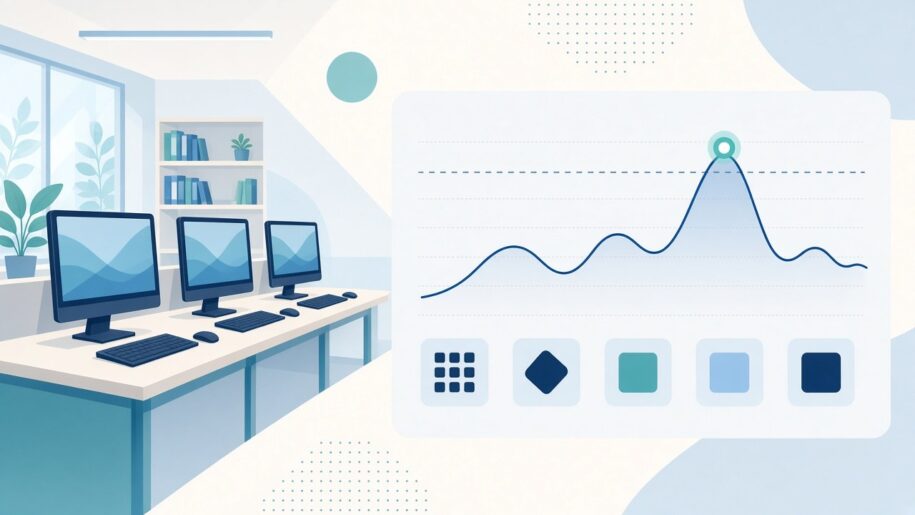
Short answer: the number of PCs a licensed app is installed on is not the same as the number of people who use it at the same time. A university can see the difference by looking at peak concurrent licence use: the highest number of people running an app at once. CloudDesk vDash shows that peak per app, so renewals can be sized for real demand, not installs.
Installs, users and peaks: three different numbers
When a licence renewal comes up, the easiest number to find is how many lab PCs have the app installed. It is also the number most likely to mislead. An app can sit on every PC in a lab and still only be opened by a handful of students at the busiest hour of the week. Three numbers tell different stories:
| Number | What it tells you | What it can’t tell you |
|---|---|---|
| Installs | Where the app is available | Whether anyone actually uses it |
| Total users | How many different people opened the app over a period | How many needed it at the same moment |
| Peak concurrent use | The highest number of people running the app at once | Why the peak happened (that needs context such as the class timetable) |
For licences that are counted by how many people use the software at once, the peak is the number that matters most. For other licence types, the peak is still useful evidence when you talk to a vendor or a finance team about how much an app is really needed. Always check your own licence agreement for how the vendor counts use.
How to read licence peaks in vDash
vDash is CloudDesk’s monitoring, metering and reporting tool for users, machines and applications. Several of its views work together when you review a licence:
- Peak concurrent licence use per app. Start here. It shows the highest number of people running each app at once, which is the figure to compare with the number of licences you hold.
- Usage by user and department. Next, see which departments actually use each licensed app, and when. This helps you decide who should share a licence pool and which faculty a cost belongs to.
- User activity, end to end. When a number looks odd, trace how a user moves through lab PCs and applications, from logins to app sessions.
- Licence alerts and weekly lab utilisation. The main dashboard brings live users, fleet health, licence alerts and weekly lab utilisation together, so a review doesn’t start from a blank spreadsheet.
Because vDash lets you create your own application, licence and inventory listings and groupings, you can group apps the way your licence agreements are written. If several campuses or business units share the system, reports can be filtered per unit or consolidated.
A simple licence-peak review in five steps
- List the licensed apps that come up for renewal in the next budget cycle.
- For each app, note how many licences you hold and how many PCs it is installed on.
- In vDash, read the peak concurrent use for each app over a full teaching period, including exam weeks.
- Check usage by department to see who drives the peak and whether it falls in timetabled classes.
- Bring the comparison to the renewal discussion: licences held, installs, and the real peak.
For a wider review of lab usage, see our 5-question lab review with vDash and how universities measure computer-lab usage.
Where lab technicians fit in
Licence peaks often lead to practical lab changes: moving an app to fewer rooms, adding it to another lab’s image, or removing it from PCs where nobody opens it. With CloudDesk vDesk, lab technicians install software and updates once on a central golden image and deploy them to every lab PC from one server, so acting on what vDash shows is a single image change rather than a PC-by-PC job. Our semester-start checklist for lab technicians shows how the two fit together.
Frequently asked questions
What is peak concurrent licence use?
It is the highest number of people running a licensed application at the same time over a period you choose. vDash shows it per app.
Why not just count installs?
Installs show where an app is available, not how many people need it at once. Sizing a renewal on installs alone can mean paying for capacity that is never used.
Can vDash show which departments use an app?
Yes. vDash shows usage by user and department, so you can see which departments use each licensed app and when.
Can we group apps and labs our own way?
Yes. You can create and customise your own users, machines, applications, licences and inventory listings and groupings, and report per business unit or consolidated.
Who can see the reports?
vDash is cloud-based and multi-tenanted, so authorised staff can open it anytime, anywhere, including across campuses.
How is vDash priced, and can we try it first?
vDash is a per-PC annual subscription. You can start with a free 2-week pilot to see your own labs’ usage before deciding.
See your own licence peaks. Start a free 2-week vDash pilot or contact us to book a demo.